AI Builds
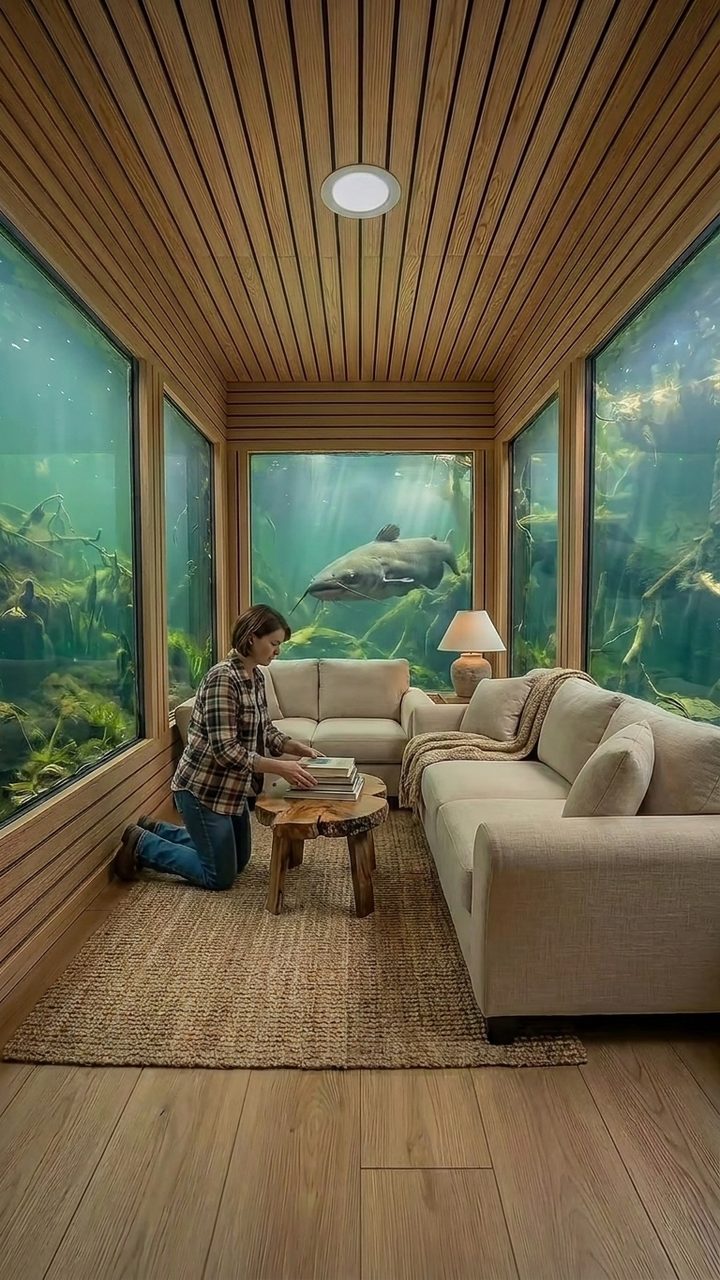
Secret rooms, buried bunkers and rebuilt wrecks, built shot by shot with a camera that never moves.
What one account in this niche can reach when it posts daily, at commonly reported payout rates. Your result depends on your audience and platform. Not a promise of income.
PDF guide, 6 sections. Shorts for TikTok, YouTube Shorts, Instagram Reels.
Not on sale yet.
This guide is being finished. It goes on sale the day the PDF is done.
Timelapse-style build videos: a hidden room appears under a pool, a driveway or a cliff, one work step per shot. The guide has the concept check that separates ten thousand views from fifty million, the fixed-plate method that keeps every frame consistent, and the build-state chain that turns one master image into a full 60-second episode.
What this niche looks like
Example images, generated with the same kind of tools the guide teaches. Nothing filmed, nothing stock.
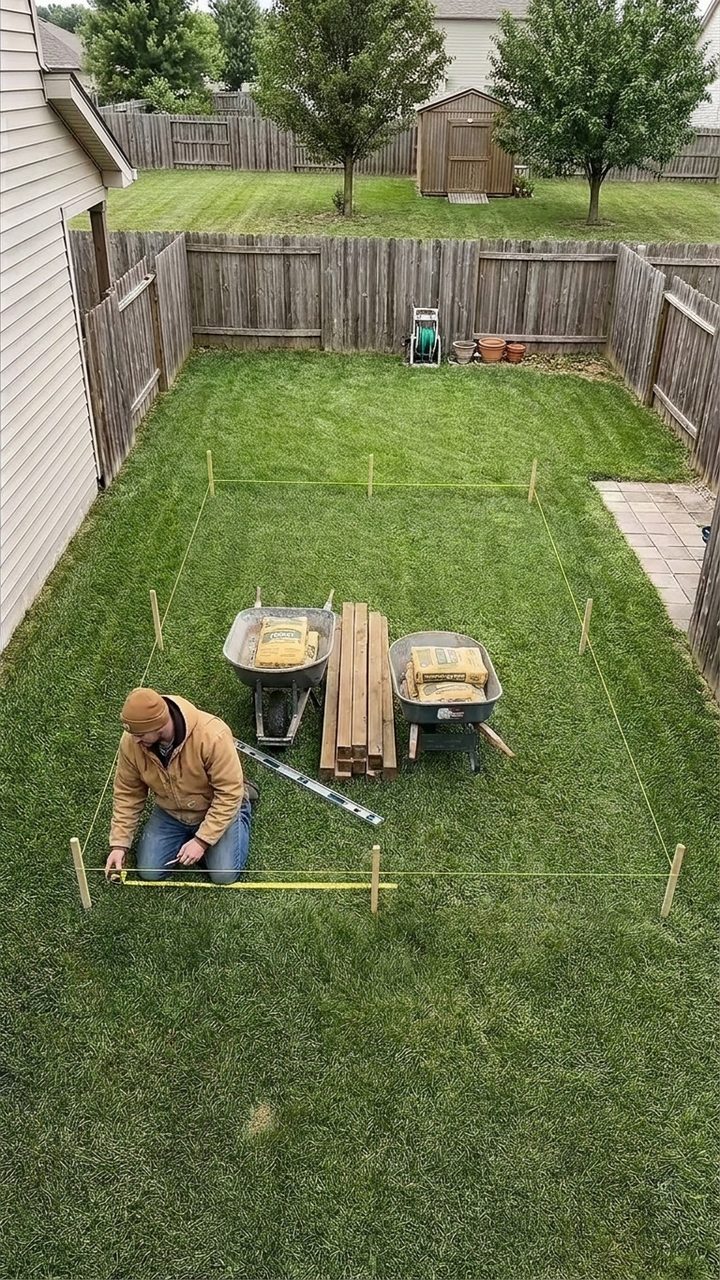
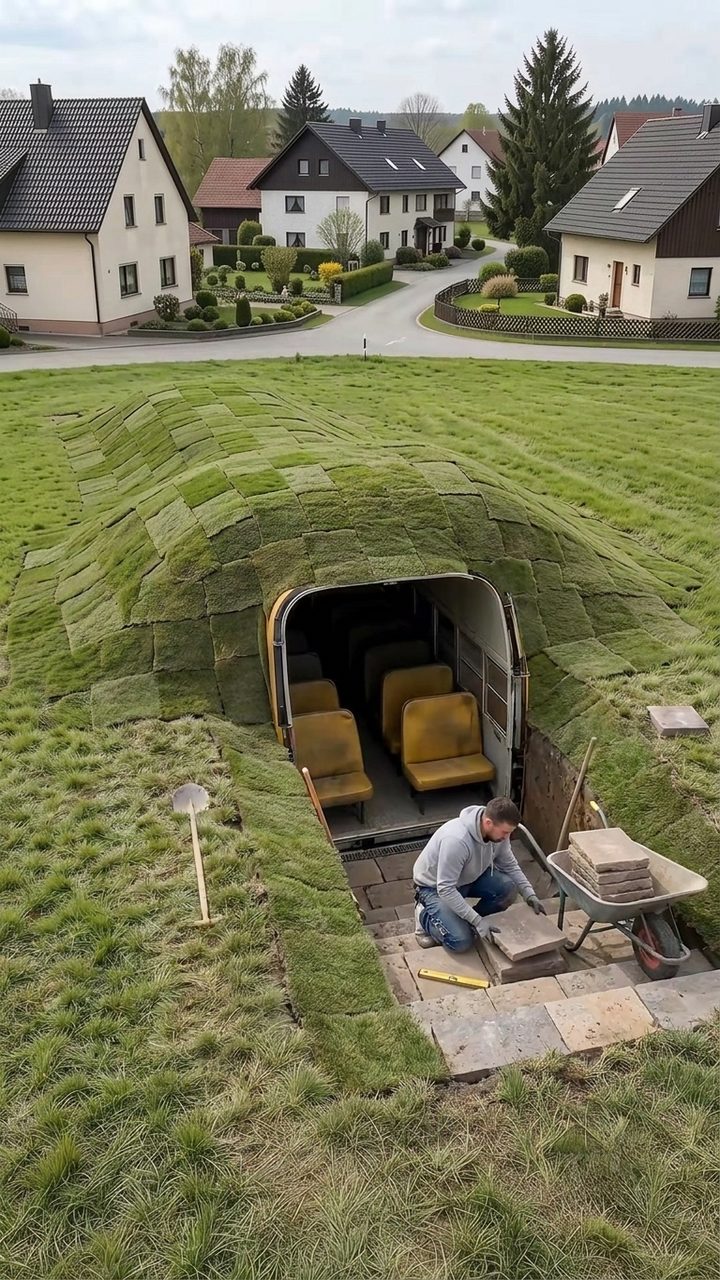
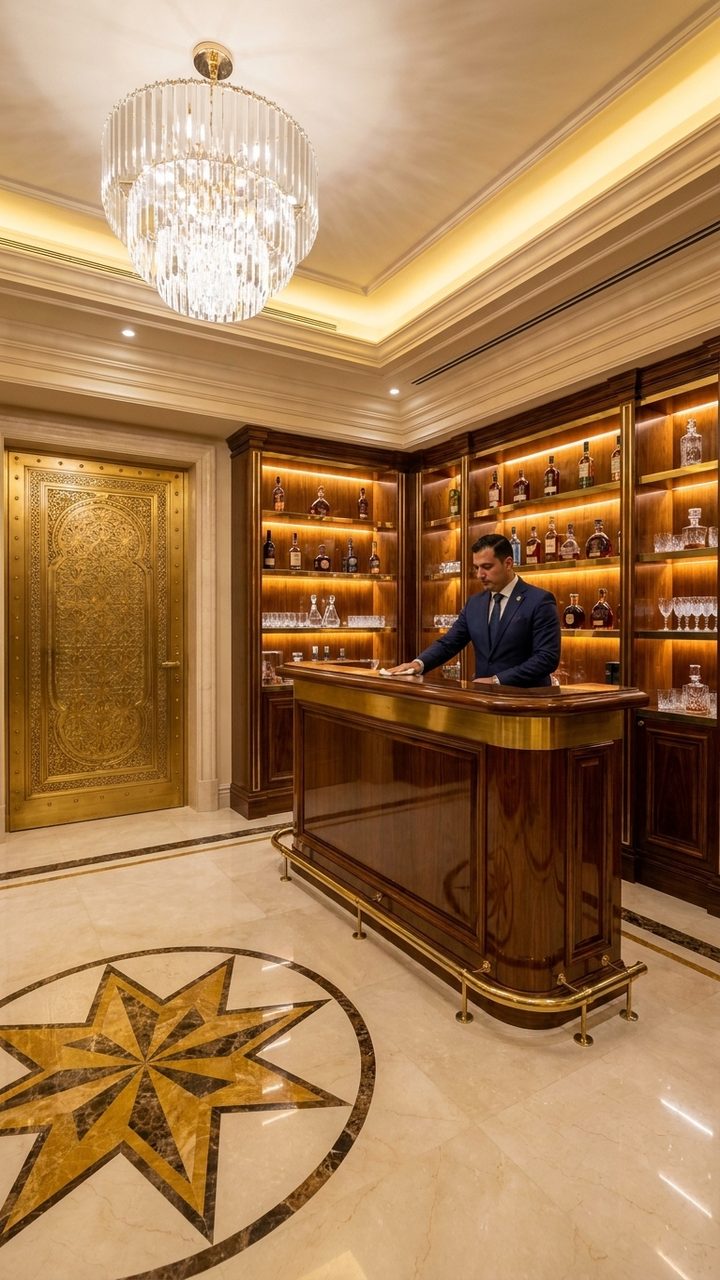
Specific to this niche
- Concept check: four questions before you render anything
- Master plate rules for a static one-point perspective
- Build-state chain with keyframe pairs for image-to-video
- Episode structure: shell, room, finale, with drift checks
What is inside
- 01
The brief
One page: what you are building in this niche, what you need, and what it costs to run.
- 02
The niche explained
The format, the audience, and what makes one of these videos travel instead of flop.
- 03
Channel setup
Name, bio, profile and the first posts, so the account is ready the same day.
- 04
The tech stack
Every tool in the workflow with its job and its price. What to pay for and what to skip.
- 05
Production workflow
Idea to upload, step by step, with the timings for each step and where things usually break.
- 06
The prompts
The prompts that produce these images and clips. Copy them, paste them, render your first video.